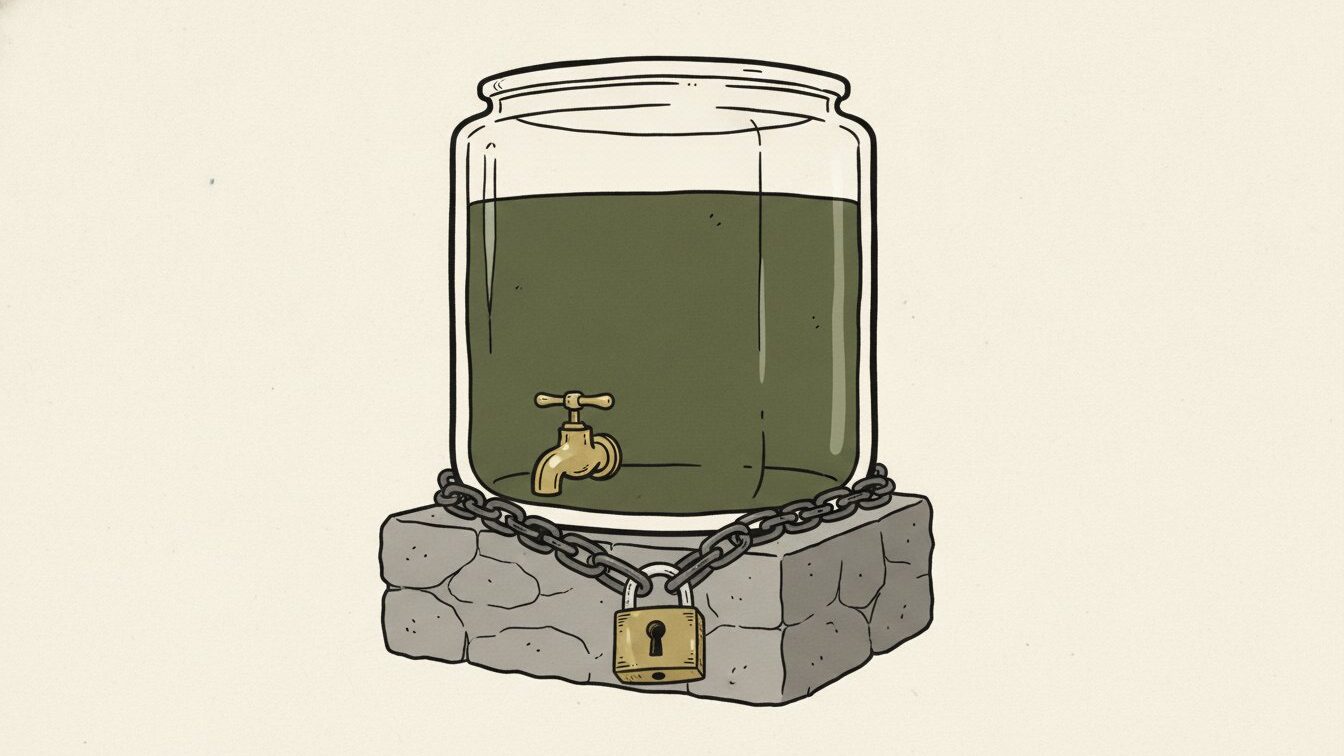
When a project launches a token alongside a trading pool, the liquidity in that pool can usually be withdrawn by whoever holds the pool’s liquidity-provider (LP) tokens or position. “Locked liquidity” means those LP tokens or that position have been placed into a separate locking contract that won’t release them until a set time. It is a real, checkable on-chain mechanism, and also a narrower guarantee than the phrase alone suggests.
How a liquidity lock actually works
On an automated market maker with a simple constant-product pool design, providing liquidity mints LP tokens representing a claim on the pool. Sending those LP tokens to a third-party locker contract, which holds them and only returns them to the depositor after a timestamp has passed, is what a “lock” usually is. Locker services exist specifically to provide this function and typically expose a public lookup where anyone can check a given pool’s lock status, the locking contract address, the unlock timestamp, and the depositor.
Concentrated-liquidity designs, where a liquidity position is represented as a unique non-fungible position (an NFT-style position rather than a fungible LP token), need a different locking mechanism built to lock that specific position type rather than a fungible token. Checking a lock on this kind of pool means confirming the locker you’re looking at actually supports locking that position format, not just assuming the same mechanism applies.
Step by step: verifying a lock yourself
- Find the actual pool or position address for the trading pair you’re checking, not just the token’s own contract address.
- Check who currently holds the LP tokens or the liquidity position for that pool, using the explorer’s holder or token-tracker view for the LP token (or the relevant position registry for concentrated-liquidity designs).
- If a locker contract holds them, open that locker contract’s own page and look for a public lock-lookup function or dashboard that states the unlock timestamp and the original depositor address.
- Confirm the unlock date is actually in the future relative to when you’re reading it, and note exactly how far out it is – a lock expiring in a short window is a materially different claim from one expiring much later.
- Check whether the lock covers all the project’s liquidity or only a portion of it. A project can lock one pool while holding unlocked liquidity elsewhere, and a “locked liquidity” claim that doesn’t specify coverage is incomplete.
- Check whether the lock is extendable or renewable by the depositor before expiry, and whether it can be topped up or partially withdrawn under the specific locker’s rules – lock mechanisms vary in how rigid they actually are.
What a liquidity lock doesn’t prove
A verified, genuine lock means the specific LP tokens or position it covers cannot be withdrawn before the stated unlock time by the depositor through that locker. It does not mean the contract itself has no other way to drain value (a mint function can dilute holders without ever touching the locked pool), does not mean all of a project’s liquidity is covered if only part of it was locked, does not mean the lock can’t be structured to unlock on a rolling or renewable basis that effectively never expires in practice, and does not mean the underlying token contract is otherwise safe. A lock is a check on one specific exit path, not a general safety rating, and it should never be read as “locked, therefore safe to buy.”
Reading the locker contract, not just trusting its dashboard
Most locking services provide a convenient dashboard, but the dashboard is still just a UI layer over on-chain state, and it’s worth knowing how to bypass it if you want the strongest version of this check. A locker contract that’s itself verified will have a Read Contract tab exposing the same lock records (depositor, token or position locked, amount, and unlock timestamp) that the dashboard displays, which lets you confirm the dashboard’s claim directly from the contract rather than trusting the service’s own frontend to accurately reflect its own backend.
It’s also worth checking who deployed the locker contract itself and whether it’s a widely used, independently reviewed locking service versus a brand-new, custom locking contract built specifically by the project whose liquidity it claims to lock. A lock enforced by a long-established, broadly used third-party locker carries more weight than a lock enforced by a contract the same team that controls the token also wrote and deployed themselves, since in the second case the “lock” is only as trustworthy as code written by the same party with an interest in the outcome.
Not financial advice
This guide explains how to check a liquidity lock mechanism on-chain. It is general education, not financial, legal, or investment advice. A locked pool does not make a token a safe purchase, and an unlocked pool does not automatically mean a project intends to remove liquidity; both require further checking.
Checking whether all relevant pools are actually covered
A project might trade across several pools simultaneously – for example, pairs against more than one other asset, or pools on more than one decentralized exchange. A “locked liquidity” claim is often made about just one of these, usually the largest or most prominent pool, while leaving others unlocked. Before treating a lock claim as covering “the project’s liquidity” generally, identify every pool the token actually trades through and check the lock status of each one individually, since an unlocked secondary pool can still be withdrawn even while the primary one stays fully locked.
Checking how much was actually locked, not just that something was
A lock covering a small fraction of a pool’s total LP tokens, while the remainder sits in an unlocked wallet, technically satisfies a claim of “liquidity locked” without meaningfully restricting the project’s ability to withdraw most of the pool’s actual trading depth. Checking the locked amount against the pool’s total LP token supply at the time the lock was created, both figures readable from the same explorer pages, turns a vague marketing claim into a specific, independently checkable percentage that a reader can judge for themselves.
FAQ
Does a locked liquidity pool mean the token can’t be a scam?
No. A lock only restricts withdrawal of that specific pool’s liquidity for a set time. It does nothing to prevent minting, blacklisting, fee changes, or other contract-level risks that have nothing to do with the liquidity pool itself.
How do I find the unlock date for a specific lock?
Open the locker contract’s own page on the relevant block explorer, or use the locker service’s own public lookup tool if it has one, and search by the pool or token address to see the recorded unlock timestamp.
Can a liquidity lock be renewed before it expires?
Many locker services allow the original depositor to extend a lock before it unlocks. A lock that keeps getting renewed just before expiry can look permanent while technically always having a near-term unlock date on paper.
What’s different about checking a lock on a concentrated-liquidity pool?
Concentrated-liquidity positions are often represented as unique position objects rather than simple fungible LP tokens, so they require a locker built to handle that specific position format. Confirm the locker you’re checking actually supports the position type before trusting its lookup.
Not financial advice. Human-edited; AI-assisted drafting is disclosed in our editorial guidelines. Spotted an error? See how corrections work.